Game Editable Text Effect: Instant Typography Impact
When you are working on a creative project, the difference between amateur and professional often comes down to the details of your typography. Standard system fonts get the job done for body copy, but when you need to grab attention—especially in gaming, entertainment, or youth-focused markets—you need something with more punch. This is where the Game Editable Text Effect enters the conversation. It is not a standard typeface that you install and forget; it is a specialized design asset created specifically for Adobe Illustrator that transforms flat text into dynamic, three-dimensional graphics with just a few clicks.
I have worked with many design assets over the years, and one of the biggest frustrations is finding a cool effect online only to realize it is a flattened JPG or a rigid vector that cannot be changed. This particular resource solves that problem because it is built on fully editable typography. Whether you are a graphic designer looking to speed up your workflow or a small business owner trying to create your own marketing materials, understanding how to leverage this effect can significantly elevate your visual content.
The Anatomy of the Game Editable Text Effect
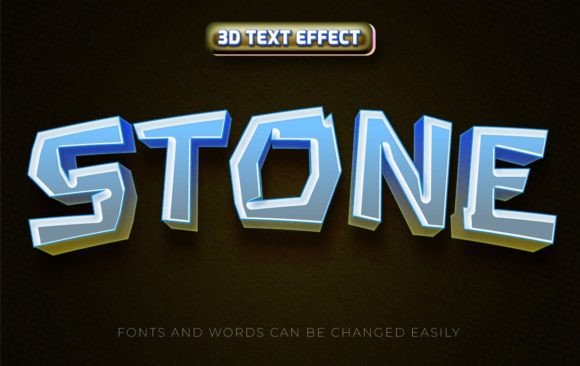
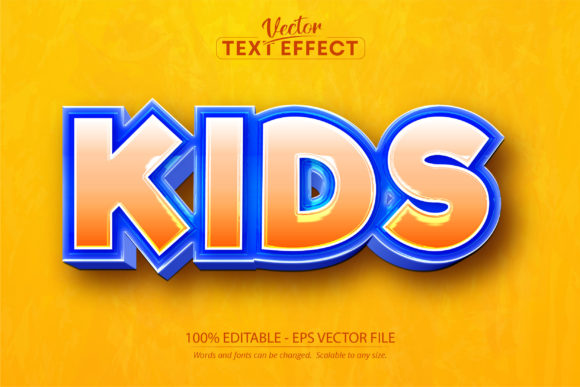
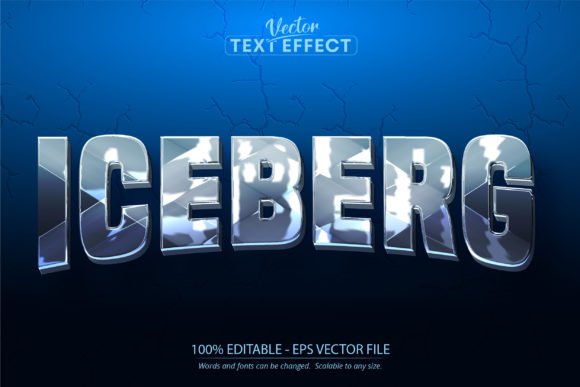
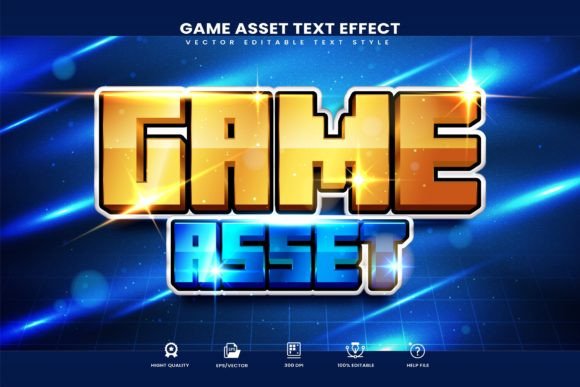
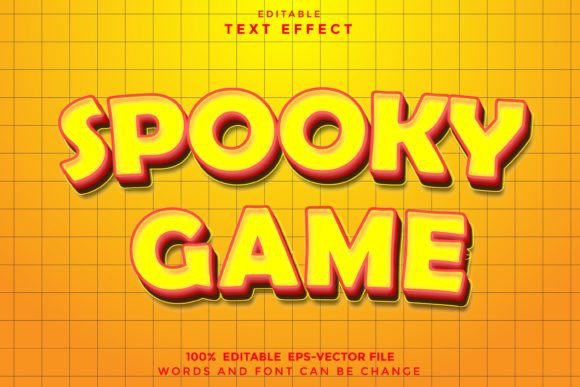
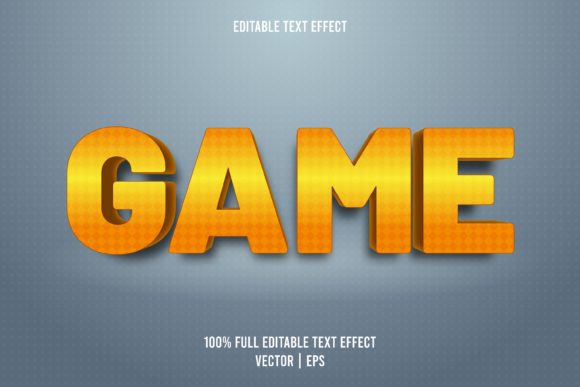
So, what exactly are you working with when you download the Game Editable Text Effect? Visually, it captures the essence of modern gaming culture and high-energy entertainment. You will typically find bold, extruded shapes, sharp contours, and lighting effects that mimic materials like plastic, metal, or gel. The "Cartoon Style" variation specifically brings a playful, approachable aesthetic—think of the typography you see on mobile game icons or animated movie posters. It has depth and personality, making it far superior to flat, two-dimensional text for grabbing attention in crowded digital spaces.
The real magic, however, lies in the technical construction. This is not a static image; it is a smart object workflow for Adobe Illustrator. The description "This is not a font" is a crucial distinction. You cannot simply select it from your font dropdown in Word or Photoshop. Instead, it functions as a template. You open the provided .AI or .EPS file, locate the text layer, and swap out the placeholder letters for your own message. Because it is vector-based, it is scalable to any size. You can make a tiny icon for a mobile app or a massive billboard sign without losing a single pixel of quality. This scalability is a massive advantage for anyone involved in packaging design or large-format printing.
Strategic Applications for Modern Creators
You might be wondering where a bold, stylized effect like this fits into your specific workflow. The versatility of the Game Editable Text Effect is surprisingly broad, extending well beyond just video game titles. If you are in web design, this effect is perfect for creating hero sections that need to pop immediately. Instead of using a heavy image file that slows down load times, you can use this vector text to create a striking visual focal point for a landing page.
For those in brand identity and logo design, this asset is incredibly useful for sub-brands, mascots, or event-specific logos. If you are a streamer or a content creator on platforms like YouTube or Twitch, using the Game Editable Text Effect for your channel name or "Subscribe" overlays creates a cohesive, professional look that signals quality to viewers. It bridges the gap between a casual hobby and a serious media brand.
Furthermore, social media graphics rely heavily on stopping the scroll. Instagram stories, TikTok thumbnails, and Facebook ads all compete for split-second attention. A premium font effect with a cartoon style provides that necessary visual velocity. It works exceptionally well for:
- Editorial design: Highlighting pull quotes or feature headlines in magazines and newsletters.
- Packaging design: Creating shelf appeal for products targeting younger demographics or the tech industry.
- Merchandise: Designing t-shirts, mugs, and stickers where text needs to be the hero of the product.
Refining Your Design Workflow and Pairings
While the Game Editable Text Effect is easy to use, applying it effectively requires some design sensibility. Because this is a display font effect—meaning it is designed for headers and impact rather than long sentences—you need to be mindful of visual hierarchy. You would not use this for a paragraph of text; it would become unreadable. Instead, use it for your main headline to draw the eye, and then pair it with a clean, legible sans serif font or a simple serif font for your body copy.
When evaluating font pairing, look for contrast. If your Game Editable Text Effect is round, bubbly, and colorful, try pairing it with a geometric sans serif like Montserrat or Futura. The clean lines of the supporting typeface will provide a resting place for the reader's eyes, allowing the stylized headline to stand out without creating visual chaos. Avoid pairing it with a script font or handwritten font that has too much personality, as the two styles might fight for dominance.
From a practical standpoint, always check the licensing. Since this is a commercial font effect, ensure the license covers your intended use, whether it is for client work, print-on-demand services, or digital products. The files are usually delivered in .AI and EPS formats, so ensure your version of Adobe Illustrator is compatible. Once you open the file, take a moment to explore the layers. You might find that the colors are easy to change to match your specific brand identity palette.
Ultimately, the Game Editable Text Effect is about saving time while maintaining high standards. It allows you to apply complex 3D and cartoon-style treatments to text without spending hours manually adjusting gradients, shadows, and perspective grids. For the busy entrepreneur or the designer with a tight deadline, it is a practical tool that delivers immediate visual impact.