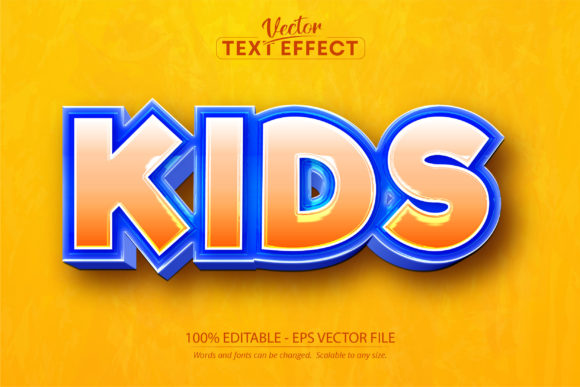
Kids Text Effect: Editable Game and Cartoon Typography
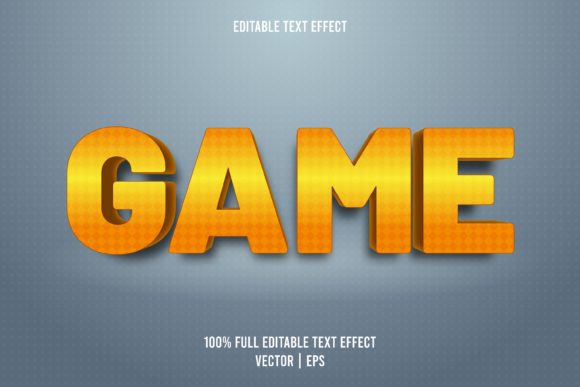
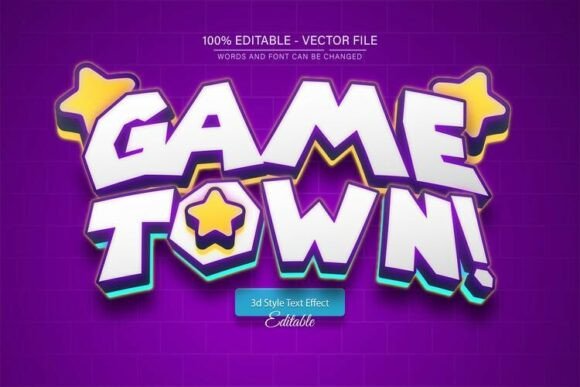
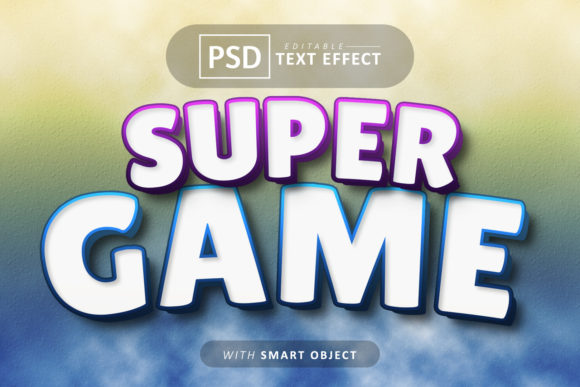
Sometimes a project needs more than just words on a page; it needs a voice. A playful, energetic voice that immediately captures attention and sets a specific tone. This is where a specialized asset like the Kids Text Effect for Adobe Illustrator becomes invaluable. It’s not a traditional typeface you install, but a fully editable vector effect that transforms standard text into a vibrant, cartoon-style graphic. The appeal lies in its instant personality. With bold, rounded forms, exaggerated outlines, and a sense of playful dimension, this effect injects a dose of fun and creativity that standard fonts often struggle to achieve alone.
Where This Cartoon Style Truly Shines
The strength of the Kids Text Effect is its versatility across projects that demand a youthful, energetic, or whimsical aesthetic. It moves beyond simple logo design into a wide range of applications. For entrepreneurs and small business owners, it’s perfect for branding products aimed at children, such as toy packaging, kids' apparel, or educational materials. Imagine a vibrant header on a birthday party invitation website or eye-catching graphics for a family-friendly YouTube channel. The effect’s scalable vector nature means it works seamlessly for both digital and print, from social media graphics and website banners to printed flyers, stickers, and t-shirt designs.
For designers and content creators, it serves as a powerful tool in their arsenal of design assets. It can elevate a blog post title, make a podcast cover art stand out, or add personality to a newsletter. Marketers can leverage it for campaign materials targeting a younger demographic or families, ensuring their message feels approachable and engaging. The key is recognizing its context. While it’s a fantastic creative font solution for a children’s book title or a game interface, it wouldn’t be the right choice for a law firm’s annual report. Its strength is in its specific, joyful application.
Practical Application and Design Considerations
Using this asset is straightforward, but a few practical considerations ensure the best results. Since it’s an Adobe Illustrator EPS file, your workflow must include that software. The 100% editable nature is its biggest advantage. You can change the text, adjust the colors of the fill and stroke, and even modify the vector paths if needed. This allows for complete customization to fit your brand identity or project palette. Always test how the effect interacts with your other design elements. Pairing it with a clean, simple sans serif font for body text creates excellent contrast and maintains readability. Avoid combining it with other highly decorative or script fonts, as this can create visual clutter.
When evaluating fit, consider your audience and message. Does the playful, cartoonish style align with your brand’s personality? For a kids' party planner, it’s a natural fit. For a tech startup, it might be too casual. Review the included preview files to see the effect in context. Think about scale and resolution. Because it’s a vector, you can scale it to any size without losing quality, which is a significant advantage over raster-based effects. This makes it suitable for large-format prints like banners as well as small digital icons. Remember, this is a premium font effect, meaning it’s a professional tool designed for specific outcomes, not a free novelty item.
Maximizing Impact and Readability
The primary goal of using the Kids Text Effect is to capture attention, but not at the expense of clarity. While the style is inherently bold and graphic, ensure the final text remains legible at its intended size. Test it in your design mockups early on. For headlines and short phrases, it excels. For longer sentences, consider using it for the first word or a key phrase to create a visual anchor, then switch to a more readable typeface for the rest. This technique helps establish a strong visual hierarchy. The effect’s personality can significantly influence brand perception, positioning a brand as fun, approachable, and creative. Consistency in using such a distinctive asset across your materials—website, packaging, social media—builds recognition and reinforces that unique identity.
Ultimately, the Kids Text Effect is a specialized tool for injecting personality. It’s about choosing the right instrument for the creative job. When your project calls for a burst of cartoon energy and a playful spirit, this editable vector effect provides a reliable, professional, and highly customizable solution. It empowers you to create standout typography that resonates with its intended audience, turning simple words into memorable visual statements.