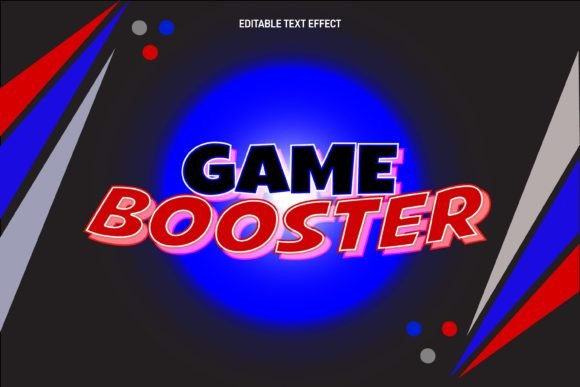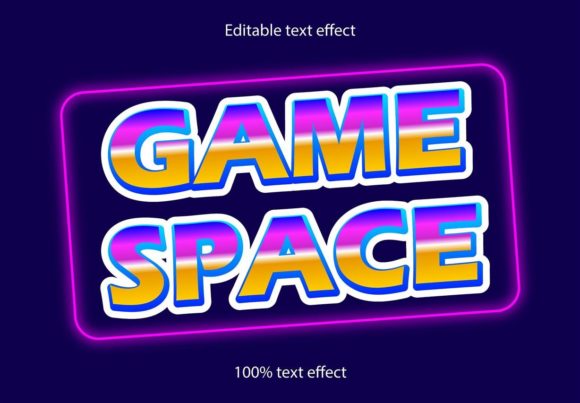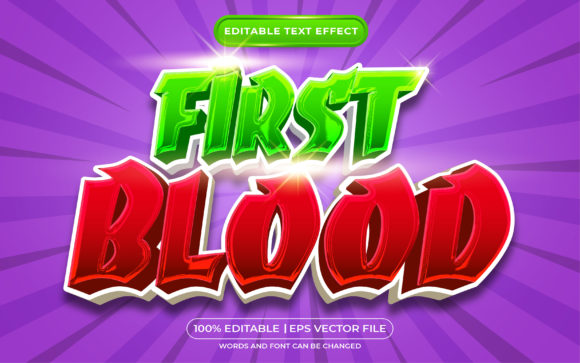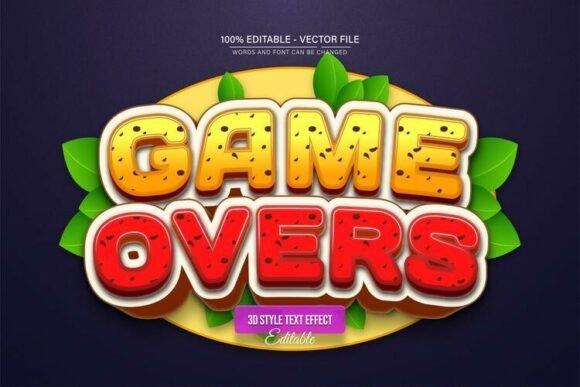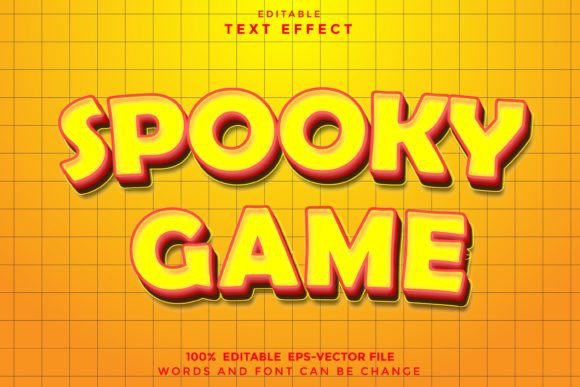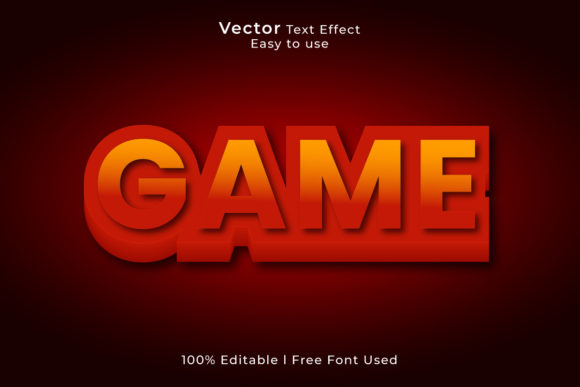
Game Text Effect - Free Design: Your Ticket to Visual Impact
If you’ve ever stared at a blank canvas wondering how to make a headline pop without spending hours on layer styles, you know the struggle is real. Creating that specific "gamer" aesthetic—think chrome, neon glows, or embossed metallics—usually requires advanced knowledge of lighting and gradients. That is exactly why the Game Text Effect - Free Design exists. It is not just another font file; it is a comprehensive toolkit designed to give your words instant texture and personality. When you download this package, you aren't just getting a typeface; you are getting a pre-built visual engine. The package includes an Ai File and an EPS File for Adobe Illustrator CC, alongside High Quality JPG Files and an SVG file. This versatility ensures that whether you are a seasoned vector artist or someone who just needs a quick image for a thumbnail, you are covered.
Unpacking the Assets: What Makes This Download Different?
The practical value of the Game Text Effect - Free Design lies in its editability. We have all downloaded "free" assets before only to find them locked or rasterized beyond repair. That is not the case here. The package is 100% Editable, operating in RGB Color Mode, which is the standard for digital screens. Because it is a premium font style treatment provided in vector format, you can scale it to fit a massive billboard or shrink it down for a mobile icon without losing a pixel of quality.
For designers, the inclusion of the Illustrator file is a game-changer. It allows for easy color change and easy font change. You can take the existing text style—which often mimics the energy of a display font or serif font with added flair—and swap the underlying typeface to match your specific brand identity. Want to see how that metallic sheen looks on a sans serif font? Open the Ai file and test it. This flexibility makes it a vital piece of design assets for anyone working in web design or social media graphics.
Where to Use Game Text Effect for Maximum Engagement
Understanding where to deploy the Game Text Effect - Free Design is just as important as having it. This style of modern typography screams excitement, competition, and technology. It is perfect for specific scenarios where you need to grab attention immediately.
In the realm of editorial design and packaging design, texture is king. If you are designing a magazine cover for a tech review or creating packaging for energy drinks or gaming peripherals, this effect adds the tactile quality that flat text cannot achieve. It bridges the gap between a creative font and a visual element.
For entrepreneurs and small business owners, particularly those in the entertainment or events industry, this asset is invaluable. Consider using it for:
- Logo Design: Creating a dynamic wordmark for a YouTube channel, Twitch stream, or podcast.
- Marketing Materials: High-impact flyers or digital ads where a commercial font needs to look expensive and polished.
- Merchandise: T-shirt designs and stickers where the text needs to stand alone as a graphic element.
Even if you are a blogger or publisher, using the Game Text Effect for chapter headings or section dividers can break up long blocks of text and keep readers engaged. It serves as a visual anchor, signaling to the reader that something important is happening at this point in the article.
The Psychology of Style: How Text Effects Shape Perception
Why does a textured, stylized typeface matter? It comes down to visual hierarchy and brand perception. A standard script font or handwritten font might convey elegance or intimacy, but the Game Text Effect conveys power and action. When you use this effect, you are telling your audience that the content is high-energy.
This is crucial for audience engagement. In a crowded digital feed, a flat, standard headline often gets scrolled past. However, a headline with depth, gloss, or neon effects—provided by this free design download—pauses the thumb scroll. It creates a focal point that demands attention.
Furthermore, consistency is key in building a recognizable brand. If you are a gaming coach, a tech reviewer, or an esports team, your brand identity needs to feel cohesive. By utilizing the editable files in this package, you can lock in a specific color palette and effect style that becomes synonymous with your content. This builds professionalism and recognition. You aren't just using a random image; you are using a customized typeface treatment that you own the look of.
Practical Tips for Pairing and Implementation
While the Game Text Effect - Free Design is striking, it needs to be balanced with the rest of your layout. Because it is a heavy visual element, it works best as a headline or accent, rather than for body copy. Here is how to get the most out of it:
- Master the Font Pairing: If your headline is busy and textured, your body text needs to be calm and legible. Pair the effect with a clean sans serif font for your descriptions. This contrast ensures readability while maintaining the high-energy vibe of the header.
- Check Your Licensing: The prompt notes this is a "Free Design," but always double-check if you are using it for heavy commercial production. However, the inclusion of SVG and Vector files generally implies a robust usage license suitable for commercial font applications like merchandise.
- Color Harmony: Since the file allows for easy color change, ensure your chosen colors contrast well with the background. Neon effects often look best on dark backgrounds (dark mode), while metallic embossing works well on textured paper backgrounds in print design.
Ultimately, the Game Text Effect - Free Design is more than just a download; it is a shortcut to professional-grade modern typography. It empowers creators to produce high-quality visuals without needing a degree in 3D rendering. Whether you are refreshing a logo design, spicing up social media graphics, or launching a new product line, this asset provides the flexibility and impact needed to stand out in a visual world.