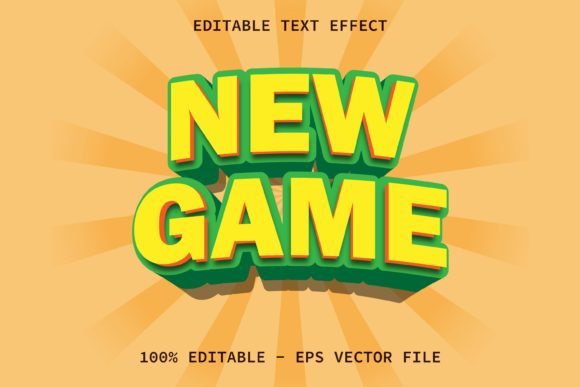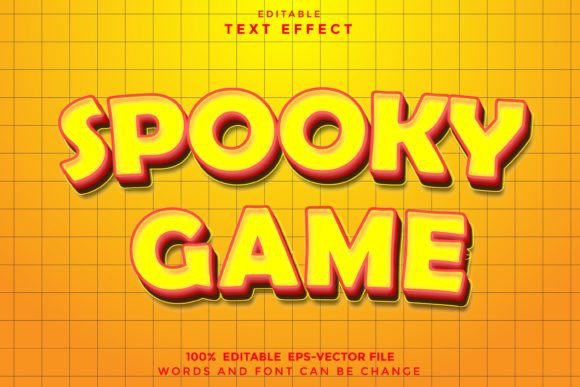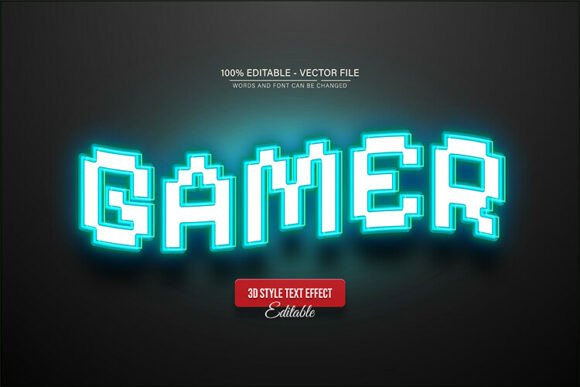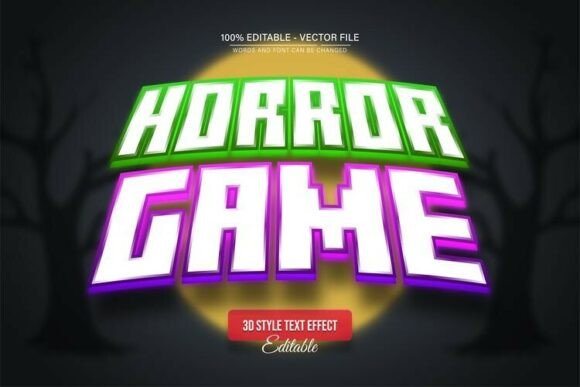
Modern Game Editable Text Effect: Instantly Elevate Your Game UI Design
When you are designing for the gaming industry, whether it is for a mobile app, a Twitch stream overlay, or a promotional poster for an esports event, the typography needs to do more than just sit there. It has to shout. It has to demand attention. However, creating high-end text effects from scratch in Adobe Illustrator can be a tedious process involving complex layering, blending modes, and hours of tweaking gradients. This is where the Modern Game Editable Text Effect steps in to bridge the gap between professional visual standards and efficient workflow.
The Power of One-Click Vector Style
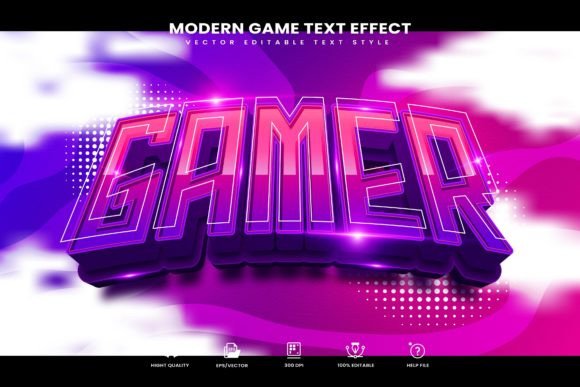
At its core, this collection is about speed and quality. The "Modern Game" aesthetic is characterized by clean lines, futuristic vibes, and often a metallic or plastic sheen that feels native to digital interfaces. This specific asset provides 100% editable vector text styles. For a designer, this is crucial. Unlike raster effects that pixelate when you scale them up, these vector styles allow you to resize your typography for a massive billboard or shrink it down for a business card without losing an ounce of clarity.
The mechanism is incredibly straightforward, designed to integrate seamlessly into your Adobe Illustrator workflow. By utilizing the Graphic Styles menu, you bypass the need to manually construct effects. You simply type your text, select the style from the panel, and the transformation is instantaneous. It applies depth, lighting, and texture in a single click. This practical approach means you can spend less time on technical execution and more time on the actual creative direction of your brand identity or marketing campaign.
Where This Creative Font Truly Shines
Understanding the application of a premium font style like this is key to getting your money’s worth. While the name suggests a focus on gaming, the versatility of a modern, stylized typeface extends far beyond just video games. It fits perfectly into a variety of niches where a bold, contemporary statement is required.
Consider the following real-world applications where this asset excels:
- Esports and Streaming: Creating overlays, subscriber alerts, and team logos that look professional and cohesive.
- Social Media Graphics: Designing eye-catching thumbnails for YouTube or bold quote cards for Instagram. The high-contrast nature of the effect ensures it pops even on small mobile screens.
- Event Branding: Posters for LAN parties, tech conferences, or music festivals often rely on display font styles to set the energetic tone.
- Packaging Design: If you are launching a product aimed at a younger, tech-savvy demographic—such as energy drinks or headphones—this style reinforces a cutting-edge image.
- Logo Design: While you wouldn't use the effect for body copy, it serves as a strong foundation for logotypes in the entertainment sector.
The visual personality of the Modern Game Editable Text Effect leans heavily into a sense of sophistication and energy. It avoids the messy, grunge look of older gaming typography in favor of something cleaner and more aligned with modern typography trends. This makes it suitable for commercial projects where professionalism is just as important as creativity.
Practical Guidance for Designers and Creators
As someone who works with design assets daily, I can tell you that the value of a tool lies in its adaptability. One of the standout features of this package is the inclusion of help documentation and font download links. There is nothing worse than buying a style effect only to find out it relies on a specific serif font or sans serif font that you don't have installed. By providing the link, the creator ensures that your text renders exactly as intended, maintaining the visual hierarchy and integrity of the design.
Here are a few tips for integrating this into your projects:
- Evaluate Project Fit: Before applying the style, ask yourself if the project requires a "loud" voice. If you are writing a medical brochure, this might be too aggressive. If you are designing a podcast cover for a tech review show, it is perfect.
- Font Pairing: Because the effect is bold and decorative, you should pair it with a very clean, legible sans serif font for body text. Think of the game title as the headline and a font like Helvetica or Open Sans as the description. This contrast ensures readability while maintaining brand recognition.
- Color Customization: Since these are vector files, don't be afraid to change the colors to match your specific brand identity. The "Modern Game" look works well in neon gradients, chrome silvers, and deep blacks, but it can be adapted to any palette.
Technical Reliability and Workflow
The package includes EPS and AI files, ensuring compatibility with Adobe Illustrator CC or above. This broad compatibility is essential for agencies where different team members might be using slightly different software versions. The fact that the file is 300 dpi RGB ready makes it versatile for both digital and print mediums, though for high-end print, you will want to convert your color mode to CMYK after applying the effect.
For content creators, bloggers, and small business owners who may not have a background in graphic design, the "easy to use" promise is not just marketing fluff here. It genuinely lowers the barrier to entry for high-quality graphic design. You don't need to understand script font complexities or how to manually render a handwritten font into a 3D object. The heavy lifting is done for you.
Ultimately, the Modern Game Editable Text Effect is a practical addition to any designer's library. It solves the specific problem of needing high-impact typography quickly. Whether you are a freelancer working on a tight deadline for a client or a hobbyist streamer wanting to upgrade your channel's look, this asset provides the visual punch required to stand out in a crowded digital landscape. By focusing on easy to use mechanics and editable vector output, it prioritizes your time and the quality of your final product.