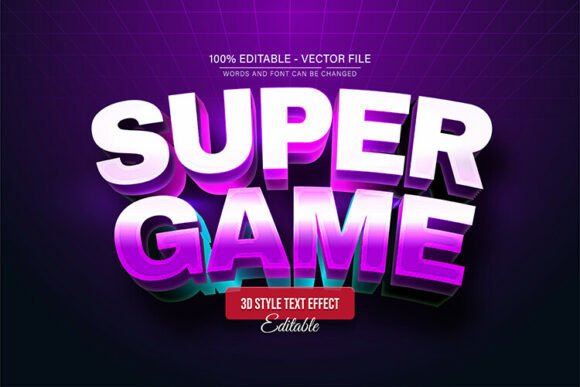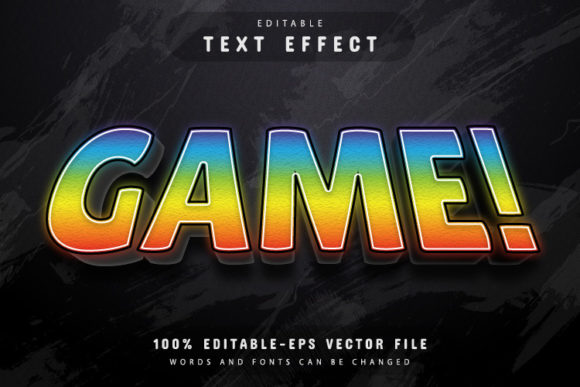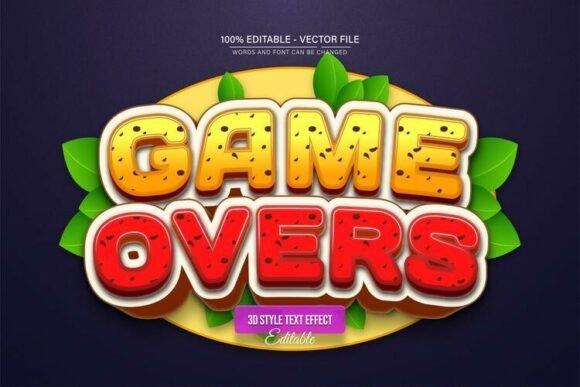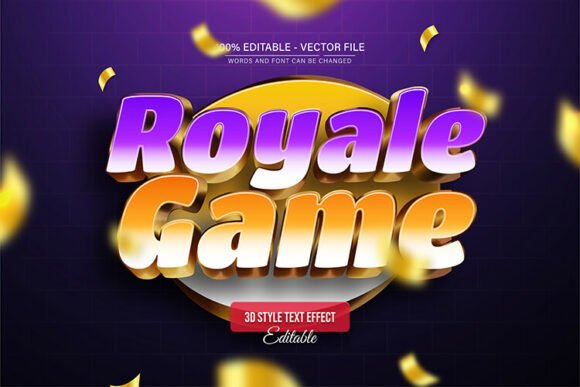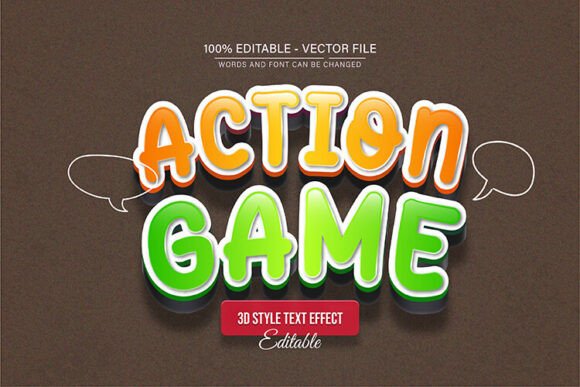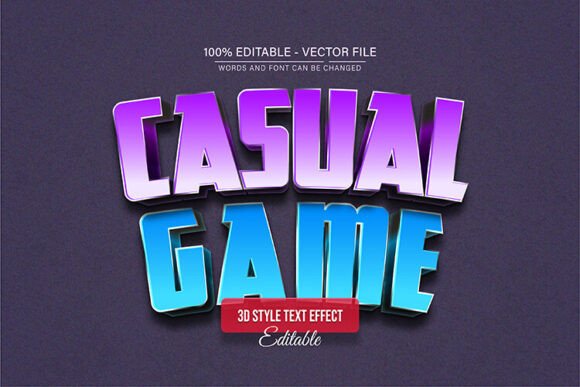
Bring Playful Energy to Your Projects with Casual Game 3D Text
If you're looking to inject a dose of fun, dimension, and immediate visual impact into your designs, the Casual Game 3D Text Effect Editable is a versatile asset worth exploring. This isn't just a static image; it's a fully editable vector design built in Adobe Illustrator. The core appeal lies in its playful, extruded letterforms that pop off the screen, instantly evoking the lighthearted, engaging spirit of mobile and casual gaming. The style is bold, colorful, and unapologetically modern, making it a perfect fit for projects that need to grab attention quickly without feeling overly corporate or stiff.
More Than a Font: A Dynamic Design Asset
Think of this resource as a creative toolkit rather than a single typeface. Delivered in both EPS and high-quality JPG formats, it offers complete flexibility. The vector nature means you can scale the text to any size—from a tiny app icon to a massive trade show banner—without a single pixel of quality loss. The true power, however, is in its editability. Every aspect is customizable. You can change the words, alter the color palette to match your brand identity, and adjust the effect to suit your project's mood. This level of control makes it a premium font asset for designers who value both efficiency and creative freedom.
Where This 3D Text Effect Shines
The applications for the Casual Game 3D Text Effect Editable are surprisingly broad. It excels in environments where energy and approachability are key.
- Digital & Social Media: It’s a natural fit for YouTube thumbnails, Instagram story graphics, and TikTok overlays where you have a split second to stop the scroll. The 3D effect creates a strong focal point that static text often can't achieve.
- Branding & Marketing: For entrepreneurs and small business owners in the entertainment, event, or family-oriented sectors, this style can define a brand identity that feels fun and memorable. Use it for logo design elements, promotional flyers, or sale announcements that need to feel exciting.
- Publishing & Packaging: Imagine the title of a children's book, the cover of a party invitation, or the label on a snack product. This text effect adds personality and shelf appeal, making products and publications stand out in a crowded market.
- Personal Projects & Crafts: Hobbyists can use it to create standout headers for blogs, design custom party decorations, or produce unique graphics for personal merchandise.
Practical Guidance for Effective Use
While the effect is visually striking, thoughtful implementation is what separates good design from great design. Here’s how to get the most out of this asset.
Evaluating Project Fit and Readability
First, consider your project's primary goal. This creative font effect is a display typeface at its core, designed for headlines and short bursts of text. It's perfect for a blog post title, a logo lockup, or a call-to-action button. However, using it for long paragraphs would quickly become unreadable. Always pair it with a clean, simple sans serif font or a readable serif font for body copy to create a clear visual hierarchy. A pairing like this ensures your message is both seen and understood.
Customization and Workflow
The editing process is straightforward, requiring no advanced skills. Here’s a simple workflow:
- Open the EPS file in Adobe Illustrator CS or a newer version.
- Select the Type Tool by pressing T on your keyboard.
- Click directly on the text you wish to change and type your new message.
- From there, you can explore changing colors, adjusting the 3D perspective if you're comfortable with Illustrator's tools, and experimenting with different font pairing ideas.
This ease of use makes it an excellent design asset for professionals on a deadline and for those still building their technical skills. The ability to create unlimited color variations means a single asset can serve multiple campaigns or brand facets, ensuring consistency while keeping designs fresh.
Making an Informed Choice
When selecting any commercial font or effect, always review the licensing to ensure it covers your intended use, whether personal or commercial. Test the effect with your specific words—sometimes letter combinations can interact with the 3D extrusion in unique ways. Finally, view your design at the intended output size. What looks dynamic on a large monitor might need simplification for a small mobile screen. By applying these practical considerations, you can leverage the Casual Game 3D Text Effect Editable