Unleash Your Inner Gamer with the Purple Super Game Text Effect
There is a specific kind of energy you need when designing for the gaming world. It isn't just about clean lines or perfect kerning; it is about raw power, neon glow, and a sense of impending action. If you have been struggling to capture that high-octane arcade vibe in your projects, the Purple Super Game Text Effect might be the missing piece of your toolkit. This is not just a static image; it is a fully editable vector design asset that bridges the gap between professional typography and the chaotic fun of retro gaming.
A Visual Style That Commands Attention
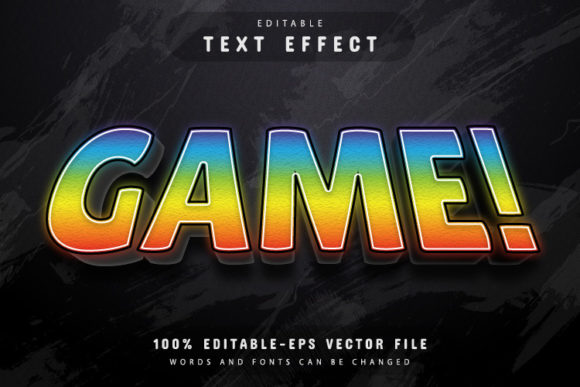
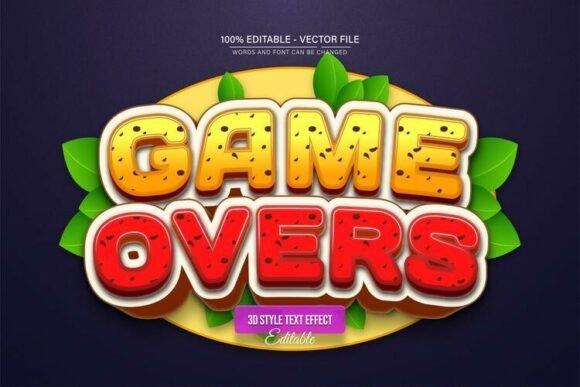
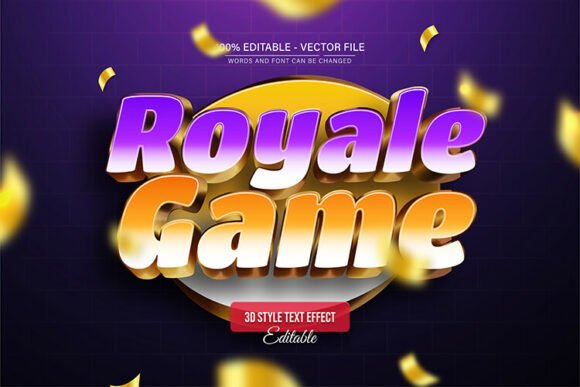
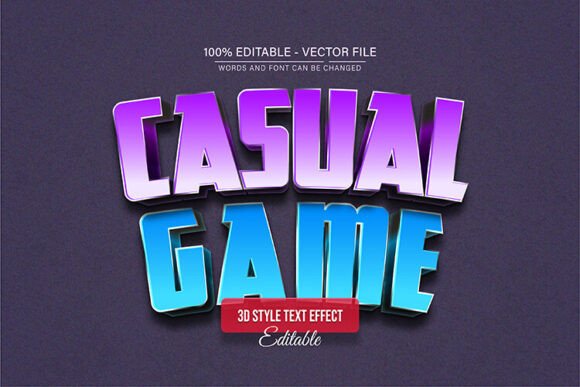
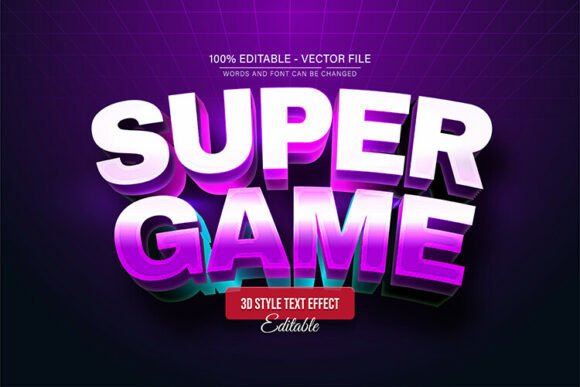
Visually, the Purple Super Game Text Effect leans heavily into the aesthetic of 90s arcade cabinets and modern esports logos. It utilizes a heavy, blocky display font structure, but the magic lies in the treatment. The "Purple" in the title refers to the neon, electric hue that dominates the design, but as I will explain later, that is just the starting point. The effect typically features beveled edges, metallic textures, and glowing highlights that make the text look as if it is popping off the screen.
For designers, this style solves a common problem: making text look expensive without spending hours layering styles in Photoshop. The personality here is aggressive and bold. It is not a typeface for writing a book report or a quiet wedding invitation. It is designed to be loud. Whether you are working on a poster for a local tournament or a thumbnail for a YouTube channel, this effect provides an immediate visual hierarchy that forces the viewer to read the message. It commands attention in a crowded feed, which is exactly what modern digital marketing requires.
Practical Applications: Beyond the Arcade
While the name suggests a niche use, the versatility of this vector asset is surprisingly broad. Of course, it is perfect for poster design and event flyers. If you are promoting a charity gaming marathon or a product launch that targets a tech-savvy demographic, this font style sets the tone instantly. However, the applications extend into areas you might not have considered.
Consider packaging design for a new line of energy drinks or tech accessories. The Purple Super Game Text Effect provides that "modern typography" edge that suggests innovation and high performance. It works exceptionally well for social media graphics, particularly for Instagram Stories or TikTok overlays where you need to grab attention in the first second. For small business owners, if your brand identity leans toward youth culture, music, or technology, using this effect for your logo design concepts can help position your brand as forward-thinking and dynamic.
Even in editorial design, such as magazine covers or blog headers focused on entertainment reviews, this text effect adds a layer of professional polish. It transforms a standard headline into a piece of graphic art.
The Power of Editable Vectors
One of the most significant features of this download is the format. It comes as an EPS file, which means it is a true vector. Why does this matter to you? Because vectors are math. Unlike a JPG, which is made of pixels and will turn into a blurry mess if you stretch it too far, a vector can be scaled to the size of a billboard or reduced to the size of a favicon without losing a single ounce of quality.
The Purple Super Game Text Effect is 100% editable. This is a crucial distinction from many "effects" you find online that are flattened, unchangeable images. Because this is built for Adobe Illustrator, you have full control over the layers. You can adjust the bevel depth, change the glow intensity, or, most importantly, alter the colors. The files include unlimited color variations capabilities within AI, meaning you aren't stuck with purple. You can turn it into a burning red fire effect or a cool blue ice effect in just a few clicks.
How to Customize Your Design
You do not need to be a seasoned professional to use this asset. The process is designed to be accessible for hobbyists, entrepreneurs, and bloggers who may not have advanced technical skills. Here is the practical workflow for integrating this into your project:
- Open the File: Launch the file in Adobe Illustrator CS or a higher version. The file is optimized for stability in modern software environments.
- Activate the Type Tool: Simply press the “T” key on your keyboard. This is the standard shortcut for the Type Tool.
- Edit the Text: Click directly on the text you wish to change. Delete the existing placeholder and type your own message. Whether it is "SALE," "GAME ON," or your brand name, the effect will automatically apply to your new characters.
- Refine and Export: Once you are happy with the text, you can export it as a high-resolution JPG for web use or keep it as an EPS/PDF for print.
Design Considerations and Font Pairing
Because the Purple Super Game Text Effect is so visually distinct, it acts as a display font. It is meant for headlines, titles, and short bursts of text. It is generally not suitable for body copy or long paragraphs because the heavy styling can make extended reading difficult. This is a standard rule in modern typography: the bolder the style, the shorter the text should be.
When it comes to font pairing, you want to create contrast. Since the game effect is heavy, geometric, and loud, you should pair it with a clean sans serif font for your supporting text. A font like Montserrat, Roboto, or Open Sans works perfectly as a counterbalance. The clean lines of the sans serif will ensure your details (like dates, locations, or terms and conditions) remain legible, while the main header does the heavy lifting of attracting the eye.
For brand consistency, use this effect sparingly. If you use it on your logo, you might want to use a simplified version of the font style for your subheadings to maintain a cohesive look without overwhelming the viewer. The goal is to use this creative font asset to enhance your message, not to overshadow the information you are trying to convey.
Ultimately, the Purple Super Game Text Effect is a versatile, high-quality asset that removes the technical barrier to creating stunning, professional graphics. Whether you are a content creator looking to upgrade your thumbnails or a designer working on a commercial project, this vector effect provides the impact you need.